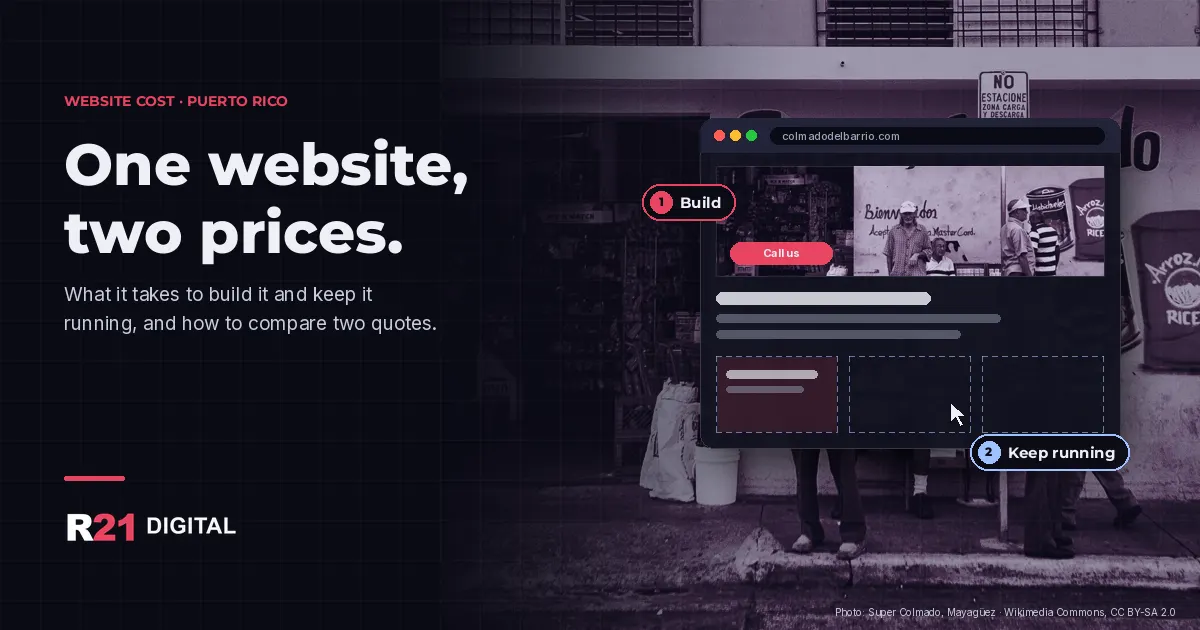
Short answer: a website in Puerto Rico has two prices, not one. There is the cost to build it (design, pages, writing, setup) and the cost to keep it running every month or year (hosting, domain, updates and changes). Two quotes only compare fairly when you put both prices side by side.
Want a clear quote with both parts broken out? Book a call with R21 Digital.
Why do website quotes in Puerto Rico vary so much?
Two quotes for "a website" can describe very different jobs. One may be a template with your logo and three pages. Another may be a custom site in English and Spanish, with a contact form that sends leads to your phone, a Google Business Profile hookup and pages written for search. Both are called a website. The work behind them is not the same.
What usually moves the build price:
- Number of pages and sections. A one-page site and a site with a page for every service are different amounts of work.
- Who writes the text. If you send the text, it costs less. If the designer writes it in two languages, that is real work and should show in the quote.
- Template or custom. A template is faster. A custom build fits your business better and is easier to grow later.
- Features. Online booking, payments, an online store or a members area each add setup and testing.
- Languages. A bilingual site is not one site translated by a tool. Each language needs its own pages and its own search terms. See our guide on bilingual web design.
What do you keep paying for after the site is live?
This is where many owners get surprised. A low build price can come with monthly costs that add up fast, or with no maintenance at all.
- Hosting. The server where the site lives. Ask whether it is included, who pays it and whether backups are part of it.
- Domain. Your web address, renewed every year. It should be registered in your name (more on that below).
- Updates and security. Someone has to keep the site and its plugins current so it doesn't break or get hacked.
- Changes. New hours, a new service, a new photo. Ask whether small changes are included or billed by the hour.
Five questions to ask before you sign a website quote
- What exactly is included? Ask for the list of pages, features and languages in writing. If one quote says "website" and the other lists ten pages, you are not comparing the same thing.
- What will I pay every month or year, and for what? Get hosting, domain, maintenance and changes broken out, so you know the real cost for the first year, not just the first invoice.
- Will the domain and the site be in my name? ICANN, the organization that oversees domain names, says the registrant takes responsibility for the domain and is entitled to clear information about the registrar, its pricing and how to transfer the domain (ICANN: Registrants' Benefits and Responsibilities). That only protects you if the registrant is you.
- What happens if I want to leave? Can you take the site, the text and the photos with you? Some platforms make that hard. Know before you sign.
- What is promised about Google? Google's own guide says no one can guarantee a number one ranking and warns against anyone who does (Google Search Central: Do you need an SEO?). A good quote explains the work, not a ranking.
What should a written website quote include?
A quote you can compare fits on one or two pages and answers the same things every time. Before you sign, check that yours has:
- The scope: the list of pages, the languages and the features, such as forms, booking or payments.
- Who supplies what: the text, the photos and the logo, and what happens if they arrive late.
- The timeline in steps: design, your review, changes and launch, with how many rounds of changes are included.
- The recurring costs: hosting, domain, maintenance and changes, each with its own line and how often it is billed.
- Ownership: that the domain, the site files and the accounts (hosting, analytics, Google Business Profile) are in your name or your company's name.
- The exit: what you get if you end the service, and in what format.
If a quote is missing several of these, ask for them in writing. A provider who explains the work clearly before you pay usually explains it clearly after, too.
How do I know if a cheap website is good enough?
Sometimes it is. If you only need a simple page that says what you do, where you work and how to call you, a smaller job can make sense. It stops being enough when the site can't grow with you, when nobody maintains it, or when you can't get your domain back. If you work from home, pair the site with a well set up Google Business Profile without a storefront.
For a bigger picture of where your marketing money should go, read how much a small business should actually spend on marketing.
Want a quote you can actually compare?
At R21 Digital we build websites for small businesses in Puerto Rico and Arizona, in English and Spanish, with the build and the monthly costs listed separately. See our web development service, call +1 224-256-7011, book a call or find R21 Digital on Google.